Key Takeaways
- Duplicate Content in SEO: What It Is, Why It Hurts Rankings & How to Fix ItDuplicate content is one of the most common SEO issues that can hurt your rankings, waste crawl budget, and confuse search engines.
- If your site has multiple pages with identical or very similar content, Google may struggle to decide which one to rank.
- In this guide from Small SEO Tool, we’ll explain what duplicate content is, how it happens, examples, and proven fixes—so you can keep your site clean, optimized, and ranking high.
- Duplicate content refers to blocks of text, paragraphs, or entire web pages that appear on the internet in more than one place.
- 👉 Example:Page A: “Best SEO Tools for Beginners in 2025”Page B: “Best SEO Tools for Beginners in 2025” (same content, different URL)To a search engine, this looks like two separate pages with the same content, causing confusion about which to show in search results.
- Why Duplicate Content Hurts SEO RankingsKeyword Cannibalization – Multiple pages compete for the same keyword.
Duplicate Content in SEO: What It Is, Why It Hurts Rankings & How to Fix It
Duplicate content is one of the most common SEO issues that can hurt your rankings, waste crawl budget, and confuse search engines. If your site has multiple pages with identical or very similar content, Google may struggle to decide which one to rank.
In this guide from Small SEO Tool, we’ll explain what duplicate content is, how it happens, examples, and proven fixes—so you can keep your site clean, optimized, and ranking high.
What Is Duplicate Content in SEO?
Duplicate content refers to blocks of text, paragraphs, or entire web pages that appear on the internet in more than one place.
👉 Example:
- Page A: “Best SEO Tools for Beginners in 2025”
- Page B: “Best SEO Tools for Beginners in 2025” (same content, different URL)
To a search engine, this looks like two separate pages with the same content, causing confusion about which to show in search results.
Why Duplicate Content Hurts SEO Rankings
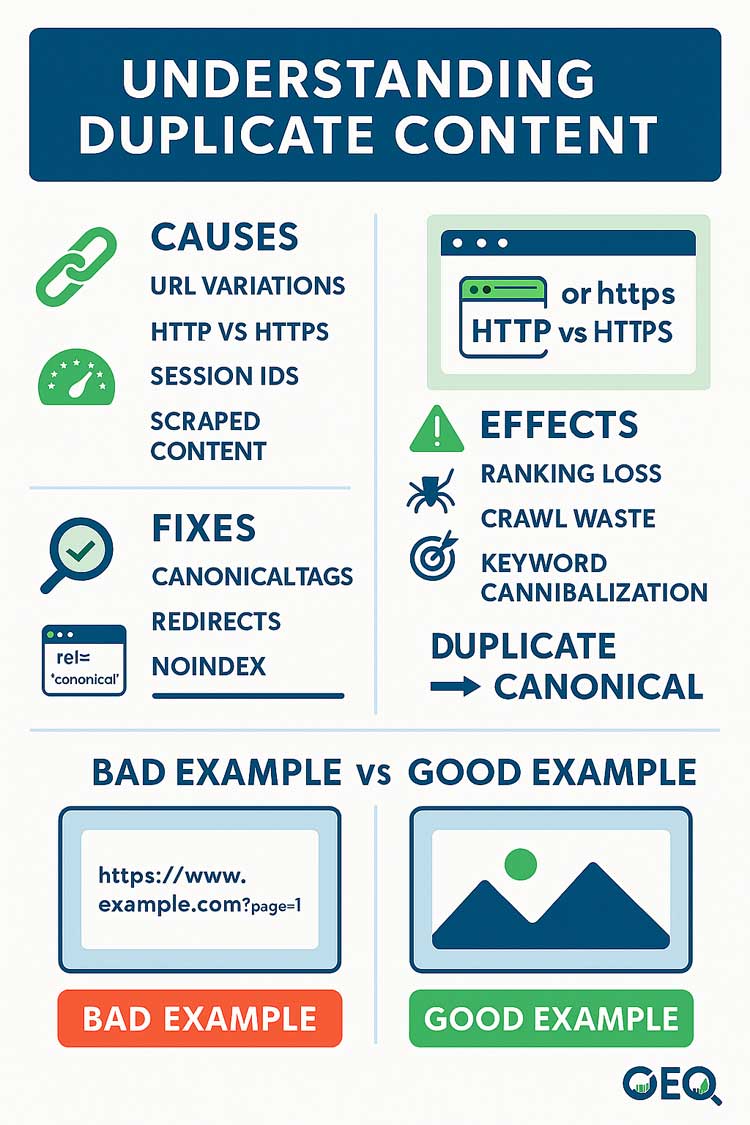
- Keyword Cannibalization – Multiple pages compete for the same keyword.
- Wasted Crawl Budget – Google spends time crawling duplicate pages instead of new content.
- Reduced Link Equity – Backlinks spread across duplicates instead of one main page.
- Lower Rankings – Google may suppress duplicate pages or ignore them entirely.
- Poor User Experience – Visitors find repetitive or redundant content.
👉 Use our free Plagiarism Checker Tool to detect duplicate content instantly.
Common Causes of Duplicate Content
1. URL Variations
- Example:
www.example.com/pageexample.com/page?ref=123
2. HTTP vs HTTPS or WWW vs Non-WWW
- Google treats
http://example.comandhttps://example.comas separate URLs.
3. Session IDs and Tracking Parameters
- Dynamic URLs often create duplicate versions of the same page.
4. Scraped or Copied Content
- Copying product descriptions or blog posts from other websites.
5. Printer-Friendly Versions
- Having both “main page” and “printer-friendly page” versions indexed.
duplicate content SEO, what is duplicate content, duplicate content penalty, how to fix duplicate content, duplicate content checker, duplicate content examples, SEO duplicate pages, thin content SEO
How to Fix Duplicate Content Issues
✅ 1. Use Canonical Tags
Add <link rel="canonical" href="main-url" /> to tell Google which page is the “master” version.
✅ 2. Implement 301 Redirects
Redirect duplicate pages to the original page to consolidate authority.
✅ 3. Optimize Internal Linking
Always link to the preferred version of a page.
✅ 4. Noindex Duplicate Pages
Tell search engines not to index certain duplicates (like printer-friendly versions).
✅ 5. Rewrite Content
If duplicates are necessary (like product pages), make them unique and valuable with original descriptions.
👉 Try our Article Rewriter Tool to create fresh, unique content instantly.
Example: Duplicate Content Fix
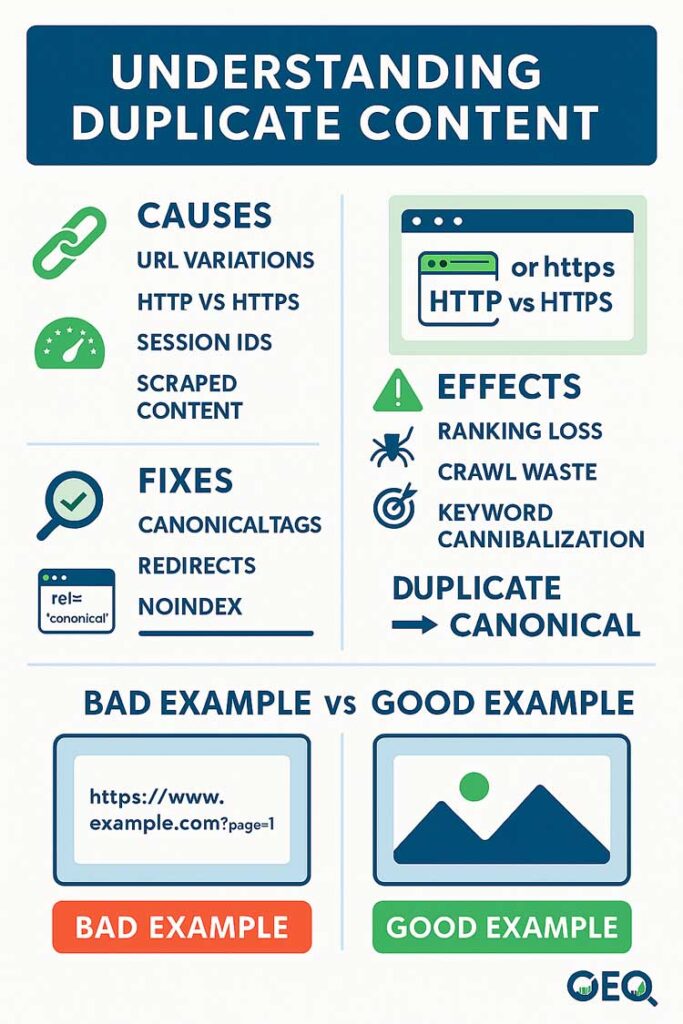
- ❌ Bad (Duplicate):
www.example.com/productwww.example.com/product?color=red
Both pages have the same product description. - ✅ Good (Fixed):
Use a canonical tag pointing both to:www.example.com/product
Tools to Detect Duplicate Content
- Plagiarism Checker – Free tool to spot duplicates.
- Copyscape – Checks if your content is copied elsewhere.
- Screaming Frog – Finds duplicate meta tags and pages.
- SiteLiner – Scans your site for internal duplicate content.
FAQs About Duplicate Content
Q1: Does Google penalize duplicate content?
Google doesn’t issue a direct penalty, but it may ignore or suppress duplicate pages, lowering visibility.
Q2: How much duplicate content is acceptable?
Minor overlaps (like boilerplate text or disclaimers) are fine, but avoid full-page duplication.
Q3: Can I reuse product descriptions from manufacturers?
It’s better to rewrite them. Unique content performs much better.
Q4: What’s the difference between duplicate and thin content?
- Duplicate content = repeated content across multiple pages.
- Thin content = very little valuable content on a page.
Q5: How can I prevent duplicate content in eCommerce sites?
Use canonical tags, unique product descriptions, and avoid multiple URL variations.
Conclusion
Duplicate content may seem harmless, but it can confuse search engines, waste authority, and lower your rankings. By using canonical tags, redirects, and fresh content strategies, you can solve duplicate content issues and keep your site SEO-friendly.
👉 Start cleaning your site today with the free tools at Small SEO Tool.
Related Articles