Key Takeaways
- Optimize Page Load Time — Advanced SEO Strategies to Boost Website Speed and PerformanceWhat Does “Optimize Page Load Time” Mean in SEO?
- Optimizing page load time refers to the process of reducing the time it takes for a web page to fully display content to users.It’s a critical factor in SEO because Google’s ranking algorithms prioritize faster websites that deliver a smooth, user-friendly experience.
- A slow website not only frustrates visitors but also increases bounce rate, lowers conversions, and reduces search visibility.
- 💡Measure your current site speed instantly with the Page Speed Checker to identify bottlenecks and improvement areas.
- Why Page Load Time Is Important for SEO and User ExperienceWebsite speed affects nearly every SEO metric, including:Crawl efficiency — search engines crawl faster pages more effectivelyUser retention — visitors stay longer on fast-loading pagesConversion rates — slow pages lose customers quicklyCore Web Vitals — Google’s performance metrics reward optimized pages💡 Use the Domain Authority Checker to track improvements in authority after speeding up your site.
- How Page Load Time Affects Google RankingsGoogle’s Core Web Vitals framework measures three key factors:Largest Contentful Paint (LCP): How long it takes to load the main content.
Optimize Page Load Time — Advanced SEO Strategies to Boost Website Speed and Performance
What Does “Optimize Page Load Time” Mean in SEO?
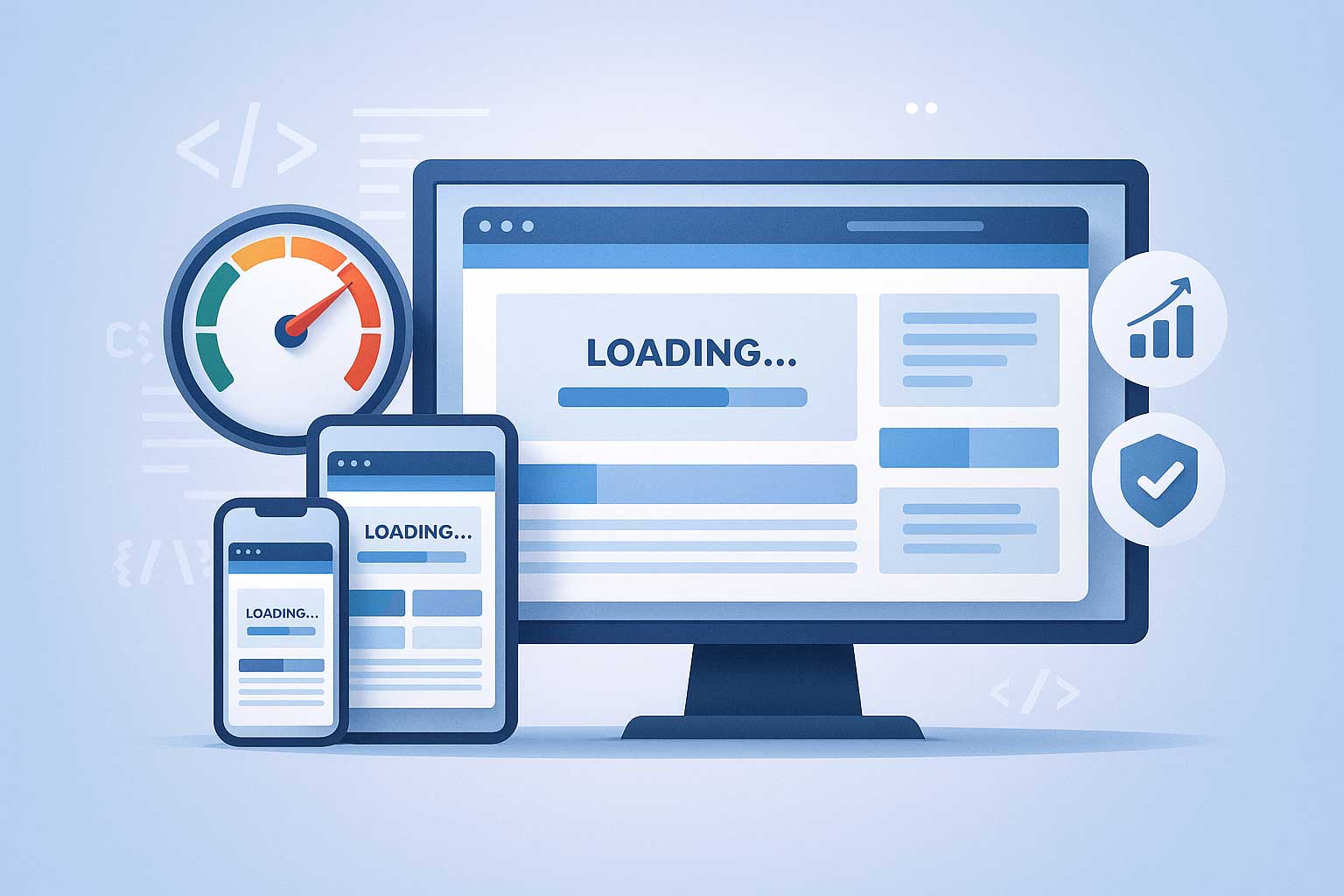
Optimizing page load time refers to the process of reducing the time it takes for a web page to fully display content to users.
It’s a critical factor in SEO because Google’s ranking algorithms prioritize faster websites that deliver a smooth, user-friendly experience.
A slow website not only frustrates visitors but also increases bounce rate, lowers conversions, and reduces search visibility.
💡Measure your current site speed instantly with the Page Speed Checker to identify bottlenecks and improvement areas.
Why Page Load Time Is Important for SEO and User Experience
Website speed affects nearly every SEO metric, including:
- Crawl efficiency — search engines crawl faster pages more effectively
- User retention — visitors stay longer on fast-loading pages
- Conversion rates — slow pages lose customers quickly
- Core Web Vitals — Google’s performance metrics reward optimized pages
💡 Use the Domain Authority Checker to track improvements in authority after speeding up your site.
How Page Load Time Affects Google Rankings
Google’s Core Web Vitals framework measures three key factors:
- Largest Contentful Paint (LCP): How long it takes to load the main content.
- First Input Delay (FID): How quickly a page responds to user actions.
- Cumulative Layout Shift (CLS): How stable the layout appears during loading.
A well-optimized page meets all these criteria, resulting in higher rankings and better user satisfaction.
💡 Learn more about these metrics on our detailed Core Web Vitals guide (related page on your site).
Proven Strategies to Optimize Page Load Time
1. Compress and Optimize Images for Web Performance
High-resolution images are often the biggest cause of slow websites. Compress them without sacrificing quality using online tools.
- Use WebP or AVIF formats
- Resize images to fit display dimensions
- Add lazy loading to delay non-visible image loading
💡 Analyze image-heavy content with the Keyword Density Checker to maintain keyword balance while improving speed.
2. Minify HTML, CSS, and JavaScript Files
Minification removes unnecessary code spaces and comments, making your files lightweight and faster to load.
- Use Gzip compression or Brotli
- Combine small CSS/JS files
- Use a JavaScript minifier
💡 Try the JavaScript Minifier to shrink your scripts and improve loading time instantly.
3. Enable Browser Caching and Content Delivery Networks (CDN)
Caching helps store static files locally, reducing server load and reloading time for repeat visitors.
A CDN distributes your content globally for faster delivery.
- Set caching rules in your
.htaccessfile - Use services like Cloudflare or Fastly
- Optimize header expires for media content
💡Generate your custom redirect and caching configuration using the Htaccess Redirect Generator.
4. Eliminate Render-Blocking Resources
Scripts that block the browser from rendering content should be deferred or loaded asynchronously.
- Move non-critical JavaScript to the bottom of the page
- Use “async” or “defer” attributes
- Inline critical CSS for faster rendering
💡Validate your changes and check for broken scripts using the Broken Links Finder.
5. Use Lightweight Themes and Clean Code
Heavy themes with unnecessary animations slow down page load.
Opt for minimal, SEO-friendly themes that prioritize speed over visuals.
💡Test your website’s SEO structure and keyword density using the Keyword Position Checker.
6. Optimize Server Response Time
A slow server can make even optimized code perform poorly.
Choose high-performance hosting with solid-state drives (SSD) and global caching options.
💡 Use the XML Sitemap Generator to ensure faster indexing after server improvements.
7. Remove Unused Plugins and Scripts
Old, redundant plugins consume memory and delay response time. Regularly audit your website for outdated extensions.
💡 Simplify content updates with the Article Rewriter while keeping performance intact.
Advanced SEO Tactics for Page Speed Optimization
- Implement AMP (Accelerated Mobile Pages) for mobile users
- Reduce HTTP requests by merging files
- Preload critical resources
- Use lazy loading for videos and iframes
- Optimize database queries
💡Check your backlinks and remove slow-loading references using the Backlink Checker.
Common Mistakes That Slow Down Page Load Time
| Mistake | Impact | Solution |
|---|---|---|
| Using uncompressed images | Slower rendering | Compress using WebP |
| Overusing heavy plugins | Server lag | Remove unnecessary add-ons |
| Large JavaScript libraries | Blocks content | Use async/defer |
| No caching setup | Reloads every visit | Enable browser caching |
| Poor hosting | High latency | Upgrade to premium hosting |
💡Use the Backlink Maker to build links that lead users to optimized, fast pages.
Here you get answer for
- “How to Optimize Page Load Time for SEO”
- “Best Page Speed Optimization Techniques for WordPress”
- “Why Page Load Time Affects Google Rankings”
- “How to Improve Core Web Vitals for Better UX”
- “Website Speed Optimization Tips for E-commerce Stores”
💡Generate topic-specific keyword ideas using the Keywords Suggestion Tool.
optimize page load time, website speed optimization, improve site performance, page speed seo, google page speed insights, website loading time, small seo tool, site performance boost, reduce bounce rate, fast loading website
Benefits of Optimizing Page Load Time
- Enhances Google Page Experience Score
- Increases conversion rates and sales
- Reduces bounce rate
- Improves user retention and engagement
- Boosts organic search rankings
💡Improve your on-page SEO signals using the Meta Tag Generator.
Frequently Asked Questions (FAQ)
Q1: What is a good page load time for SEO?
Ideally, your website should load in under 2.5 seconds for optimal SEO performance.
Q2: Does page speed affect Google rankings?
Yes. Google considers page load time as a ranking factor for both desktop and mobile searches.
Q3: How can I test my website’s speed?
You can use tools like PageSpeed Insights or our Page Speed Checker for a full performance report.
Q4: What slows down my site the most?
Large images, excessive plugins, render-blocking scripts, and poor hosting are the most common causes.
Q5: Can faster page speed increase conversions?
Absolutely! Faster pages improve user satisfaction, leading to higher conversion rates and engagement.
Small SEO Tools
- Meta Tag Generator
- Article Rewriter
- Plagiarism Checker
- Keyword Position Checker
- XML Sitemap Generator
- Backlink Maker
- Page Speed Checker
- Keyword Density Checker
- Broken Links Finder
- Keywords Suggestion Tool
- Domain Authority Checker
- Htaccess Redirect Generator
- Backlink Checker
Conclusion
Page load time is not just a technical SEO factor, it’s a core component of user experience and search performance.
By implementing the optimization techniques above, you can reduce bounce rate, enhance engagement, and climb higher in Google rankings.
Use Small SEO Tool’s free optimization resources to analyze, improve, and monitor your website performance — making every second count for your SEO success.
Related Articles