Key Takeaways
- A Canonical URL is the preferred version of a webpage when multiple URLs have identical or similar content.
- Canonical tags (<link rel="canonical" href="URL" />) help search engines understand which page to index and rank.Without proper canonicalization, your website can suffer from duplicate content issues, keyword cannibalization, and ranking dilution.
- Why Canonical URLs Are Important for SEOSearch engines like Google and Bing use canonical tags to identify the primary content source.
- Implementing canonical URLs correctly can:Improve crawl efficiencyPrevent duplicate content penaltiesConsolidate link equityStrengthen overall site authority👉 Learn more in our Duplicate Content Checker Tool to identify and fix duplicates instantly.
- How to Set Up Canonical Tags Step-by-Step1️⃣ Identify Duplicate or Similar PagesUse Small SEO Tool’s Canonical Checker to find duplicate content issues across your site.
- 2️⃣ Choose the Preferred URLDecide which version you want Google to index (example: https://www.example.com/page/).
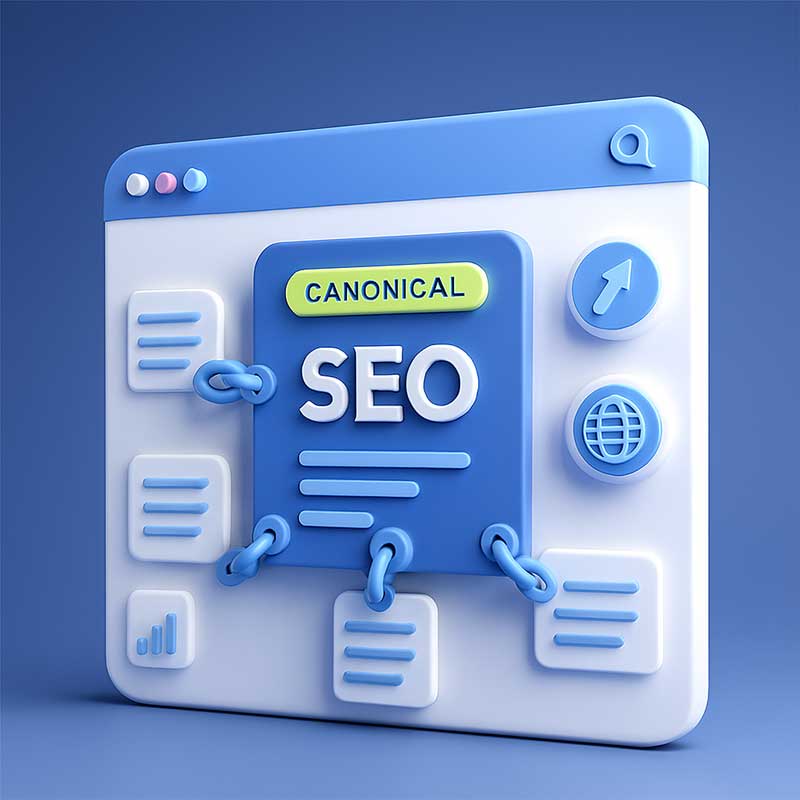
A Canonical URL is the preferred version of a webpage when multiple URLs have identical or similar content. Canonical tags (<link rel="canonical" href="URL" />) help search engines understand which page to index and rank.
Without proper canonicalization, your website can suffer from duplicate content issues, keyword cannibalization, and ranking dilution.
Why Canonical URLs Are Important for SEO
Search engines like Google and Bing use canonical tags to identify the primary content source. Implementing canonical URLs correctly can:
- Improve crawl efficiency
- Prevent duplicate content penalties
- Consolidate link equity
- Strengthen overall site authority
👉 Learn more in our Duplicate Content Checker Tool to identify and fix duplicates instantly.
How to Set Up Canonical Tags Step-by-Step
1️⃣ Identify Duplicate or Similar Pages
Use Small SEO Tool’s Canonical Checker to find duplicate content issues across your site.
2️⃣ Choose the Preferred URL
Decide which version you want Google to index (example: https://www.example.com/page/).
3️⃣ Add Canonical Tag to the <head> Section
<link rel="canonical" href="https://www.example.com/page/" />
4️⃣ Test with Google Search Console
Confirm the canonical URL is recognized correctly under “Inspect URL”.
Best Practices for Canonical URL Optimization
- Use absolute URLs (not relative).
- Keep canonical links consistent across versions (mobile, desktop).
- Avoid pointing all pages to the homepage.
- Don’t use noindex and canonical together.
- Update canonicals when migrating domains or changing URLs.
👉 Check out our URL Optimization Tool to make your URLs SEO-friendly before applying canonical tags.
Common Canonical URL Mistakes to Avoid
- Using multiple canonical tags on one page
- Pointing canonicals to 404 pages
- Setting canonicals to redirected URLs
- Forgetting to update canonical tags after site redesigns
canonical URL, SEO canonical tag, fix duplicate content, rel=canonical, canonicalization guide, canonical SEO best practices, small SEO tool, canonical tag example, canonical URL generator, how to use canonical tag
Here you get answer for
- “How to Fix Duplicate Content in WordPress with Canonical Tags”
- “Best Canonical URL Practices for E-commerce Websites”
- “Canonical vs Redirect: What’s the Difference in SEO?”
- “How to Implement Canonical Tags for AMP Pages”
- “Canonicalization Strategy for Multilingual Websites”
👉 Improve your website’s multilingual SEO with our Keyword Density Analyzer.
Frequently Asked Questions (FAQ)
Q1: What happens if I don’t use canonical tags?
Without canonicals, Google may index multiple versions of the same page, splitting link equity and hurting rankings.
Q2: Can I use multiple canonical URLs on one page?
No. Only one canonical tag should exist per page to indicate the preferred URL.
Q3: Do canonical tags affect SEO ranking directly?
Indirectly, yes. They prevent duplicate issues and help consolidate ranking signals to your main page.
Q4: Should I use self-referencing canonicals?
Yes, always include a self-referencing canonical on every indexable page.
Q5: How do I check if my canonical tag works?
Use Google Search Console or Small SEO Tool’s Canonical URL Checker.
Conclusion
Canonical URLs are vital for a healthy SEO structure. They ensure that search engines understand your site’s hierarchy, consolidate ranking signals, and prevent duplicate content problems. By mastering canonicalization with Small SEO Tool’s free resources, you can safeguard your site’s authority and improve your Google ranking effortlessly.
Related Articles