Key Takeaways
- How to Optimize Images for SEO: Best Practices, Tools & ExamplesWhen it comes to SEO optimization, images are often overlooked.
- But in reality, image SEO plays a major role in your website’s rankings, speed, and user experience.
- At Small SEO Tool, we’ll show you how to optimize images for SEO, why it matters, and practical steps you can implement today.
- Image SEO is the process of optimizing your website’s images so they load faster, rank in Google Images, and improve your page’s overall SEO performance.
- Optimized images help with:✅ Page Speed (a major Google ranking factor)✅ User Experience (faster, smoother browsing)✅ Google Image Search Rankings (extra traffic source)✅ Accessibility (via descriptive alt text)👉 Try our free Image Compression Tool to start optimizing images instantly.
- Why Image Optimization Matters in SEOImproves Website Speed – Smaller, optimized images reduce load times.
How to Optimize Images for SEO: Best Practices, Tools & Examples
When it comes to SEO optimization, images are often overlooked. But in reality, image SEO plays a major role in your website’s rankings, speed, and user experience.
At Small SEO Tool, we’ll show you how to optimize images for SEO, why it matters, and practical steps you can implement today.
What Is Image SEO?
Image SEO is the process of optimizing your website’s images so they load faster, rank in Google Images, and improve your page’s overall SEO performance.
Optimized images help with:
- ✅ Page Speed (a major Google ranking factor)
- ✅ User Experience (faster, smoother browsing)
- ✅ Google Image Search Rankings (extra traffic source)
- ✅ Accessibility (via descriptive alt text)
👉 Try our free Image Compression Tool to start optimizing images instantly.
Why Image Optimization Matters in SEO
- Improves Website Speed – Smaller, optimized images reduce load times.
- Boosts SEO Rankings – Google prioritizes fast, user-friendly sites.
- Enhances Mobile Experience – Lighter images = smoother browsing.
- Increases Image Search Traffic – Optimized images can rank in Google Images.
- Reduces Bounce Rate – Faster sites keep visitors engaged.
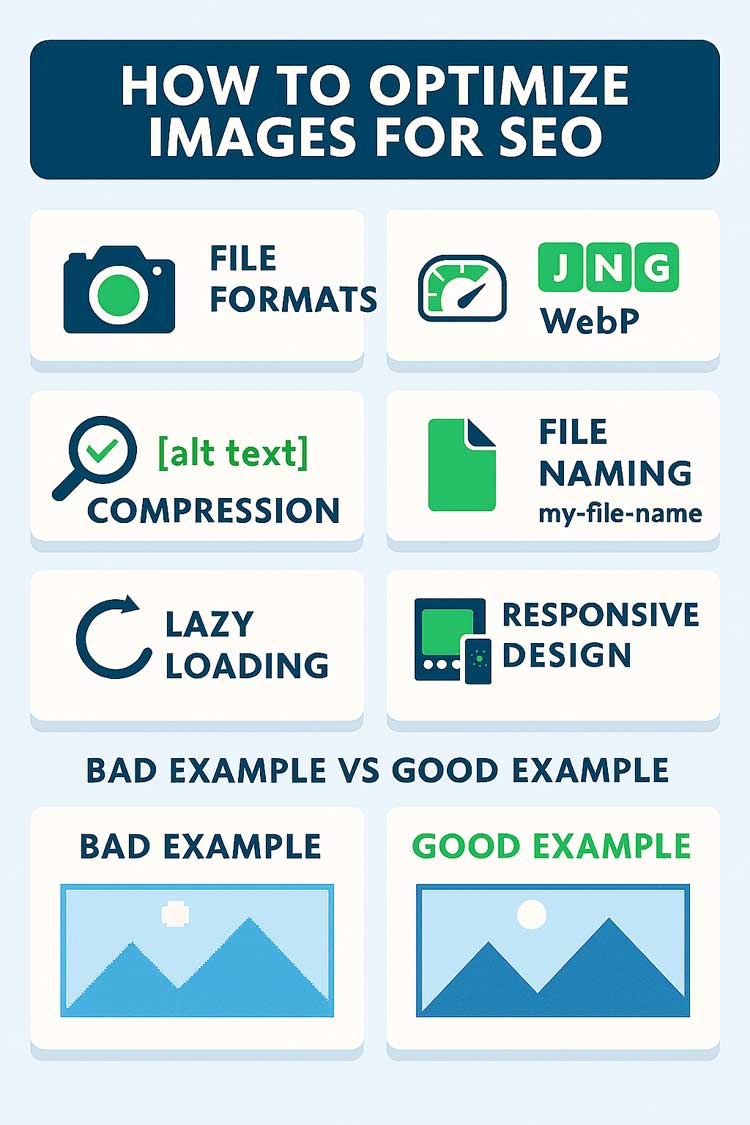
Best Practices to Optimize Images for SEO
1. Use the Right File Format
- JPEG → Best for photos (smaller file size).
- PNG → Best for transparent images.
- WebP → Best modern format (small + high quality).
2. Compress Images Without Losing Quality
- Tools like TinyPNG or our Image Compression Tool.
- Example: A 1 MB image can often be compressed to 200 KB with no visible difference.
3. Use Descriptive File Names
- Bad:
IMG12345.jpg - Good:
seo-image-optimization-example.jpg
4. Add SEO-Friendly Alt Text
Alt text describes an image for search engines and accessibility.
- Bad:
alt="image1" - Good:
alt="SEO optimized image showing anchor text example"
5. Create Responsive Images
- Use srcset in HTML to serve different sizes for desktop and mobile.
6. Leverage Lazy Loading
- Load images only when users scroll to them → improves site speed.
7. Use Image Sitemaps
- Helps Google index your images.
optimize images for SEO, image SEO best practices, alt text optimization, SEO image compression, how to optimize images for website speed, image file format SEO, image optimization tools, image seo examples
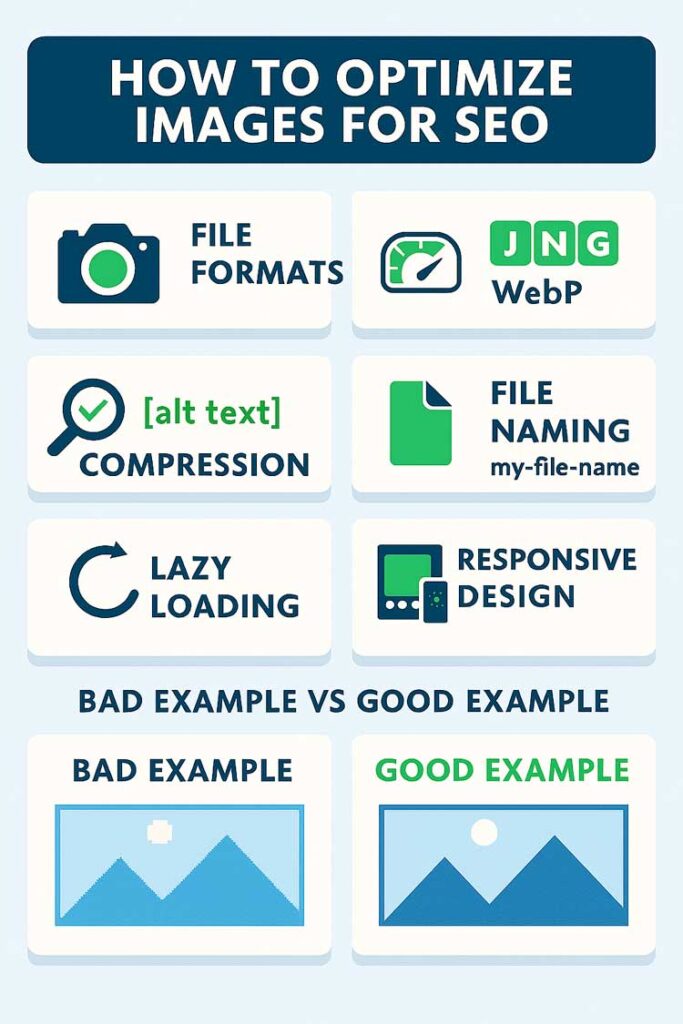
Example: Good vs Bad Image Optimization
- ❌ Bad Example:
File name:IMG8765.jpg
Alt text:alt="graphic"
File size: 2 MB - ✅ Good Example:
File name:optimize-images-for-seo.jpg
Alt text:alt="infographic explaining how to optimize images for SEO"
File size: 180 KB (compressed WebP format)
👉 Use our SEO Analyzer Tool to check if your images are slowing down your site.
Tools to Optimize Images for SEO
- Small SEO Tool – Image Compression (fast, free, online)
- TinyPNG / TinyJPG (basic compression)
- ShortPixel (advanced WordPress plugin)
- Screaming Frog SEO Spider (to audit image SEO issues)
FAQs About Image SEO
Q1: Does optimizing images really improve SEO rankings?
Yes. Faster sites rank better, and Google Images can drive extra traffic.
Q2: What is the best image size for SEO?
Keep images under 200 KB when possible without losing quality.
Q3: How important is alt text for SEO?
Very important. Alt text improves accessibility and gives search engines context.
Q4: Should I use WebP format for all images?
Yes, if possible. WebP balances quality and file size better than PNG or JPEG.
Q5: How can I check if my images are optimized?
Use tools like Google PageSpeed Insights or our SEO Site Audit Tool.
Conclusion
Optimizing images for SEO is more than just resizing—they must be compressed, labeled properly, and structured for fast performance. By following these best practices, you’ll boost rankings, improve site speed, and gain extra traffic from Google Images.
👉 Start optimizing now with free tools at Small SEO Tool.
Related Articles